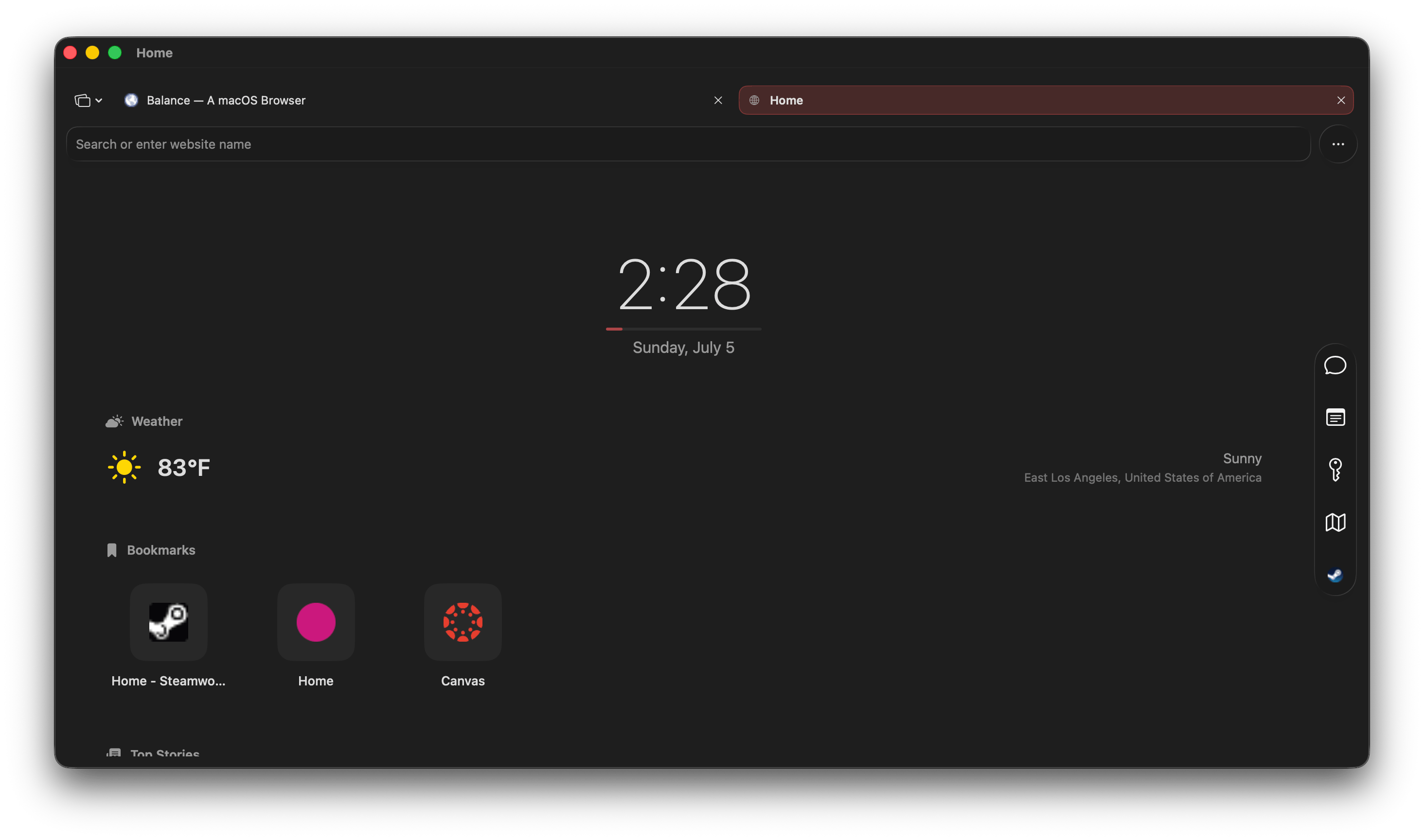
Browse with balance.

A native macOS browser with an on-device AI assistant, a Liquid Glass interface, and a sidebar built for how you actually work.

Productivity

A browser that stays out of your way.

Most of what Balance does, you won't notice until you go looking for it. That's on purpose.

Command Palette

Type what you want to do. Search commands, jump to tabs, or trigger actions instantly.
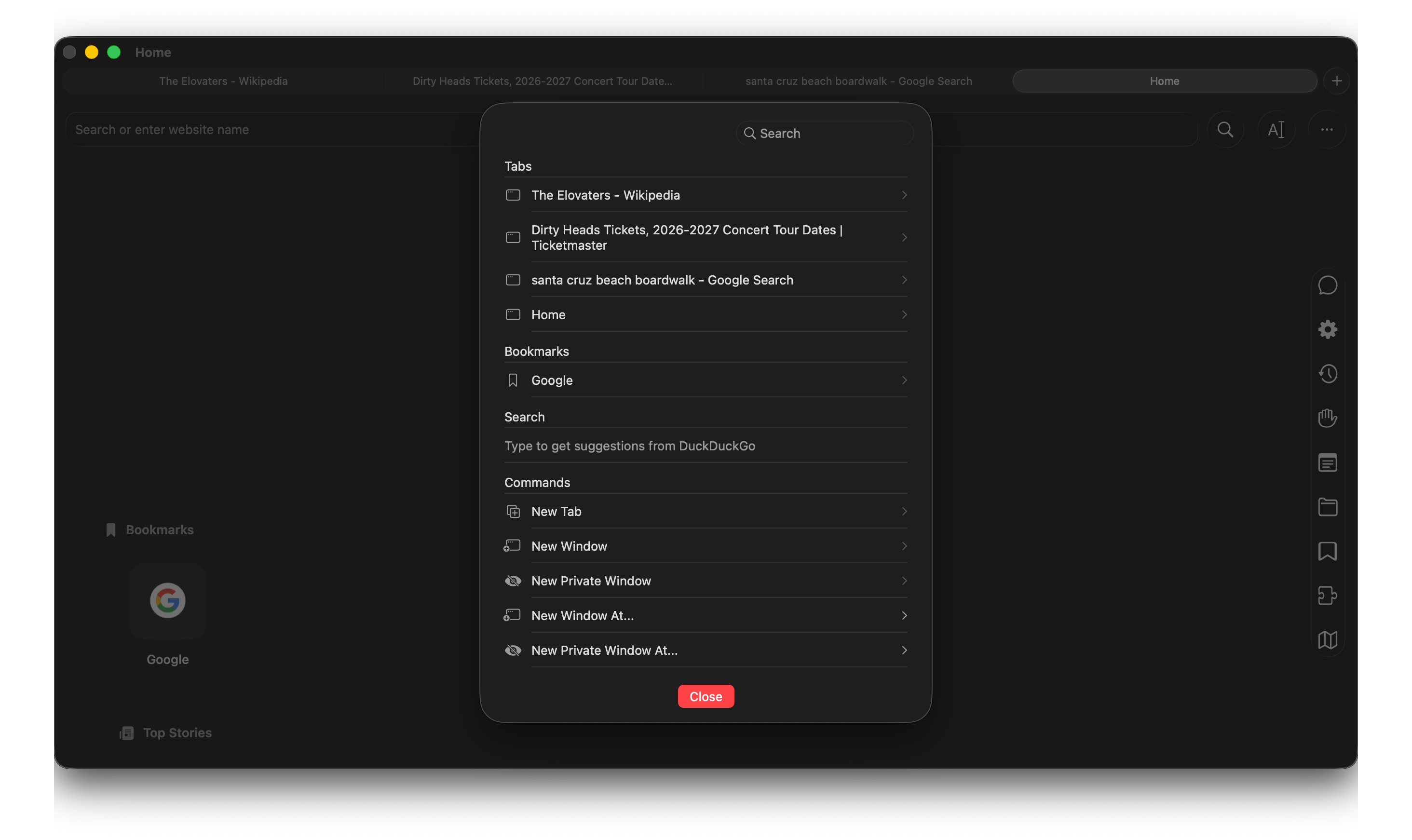
Command Palette

Smart Address Bar

One bar. No prefixes needed. Balance figures out URLs, domains, and searches automatically.
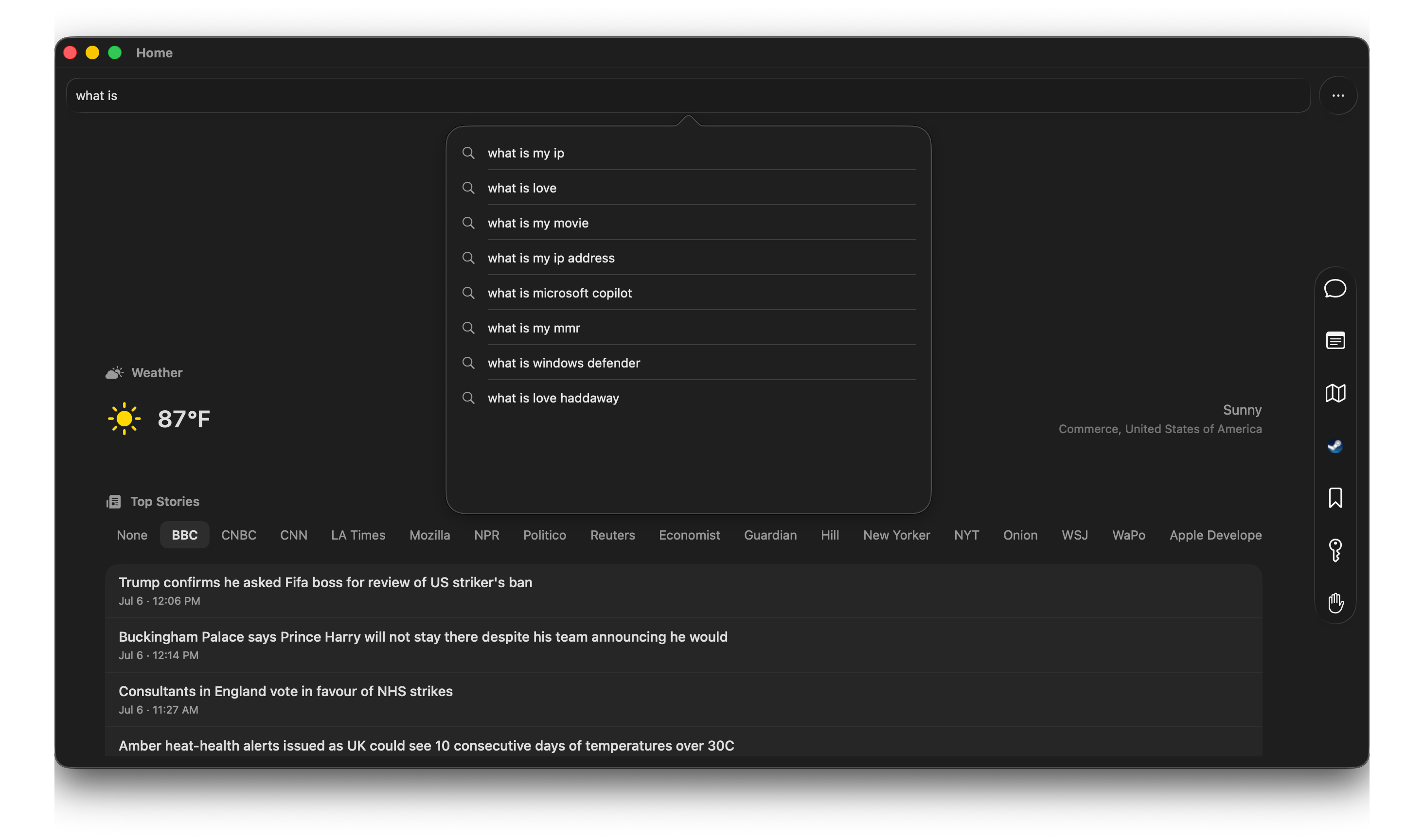
Command Palette

Your Command Center

Notes, history, downloads, RSS feeds, and the sites you've pinned all live in a sidebar you can arrange to match how you actually work.
Sidebar

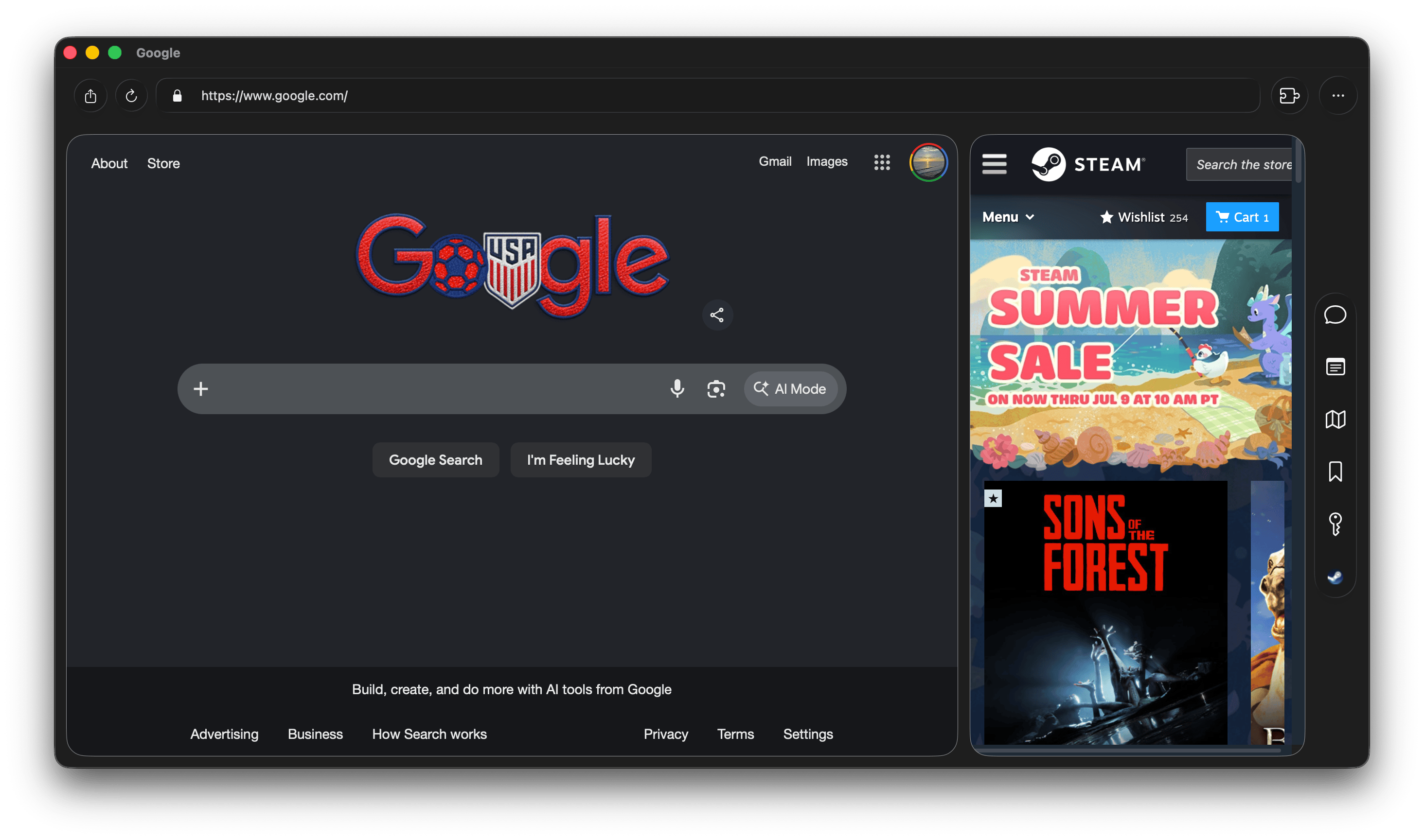
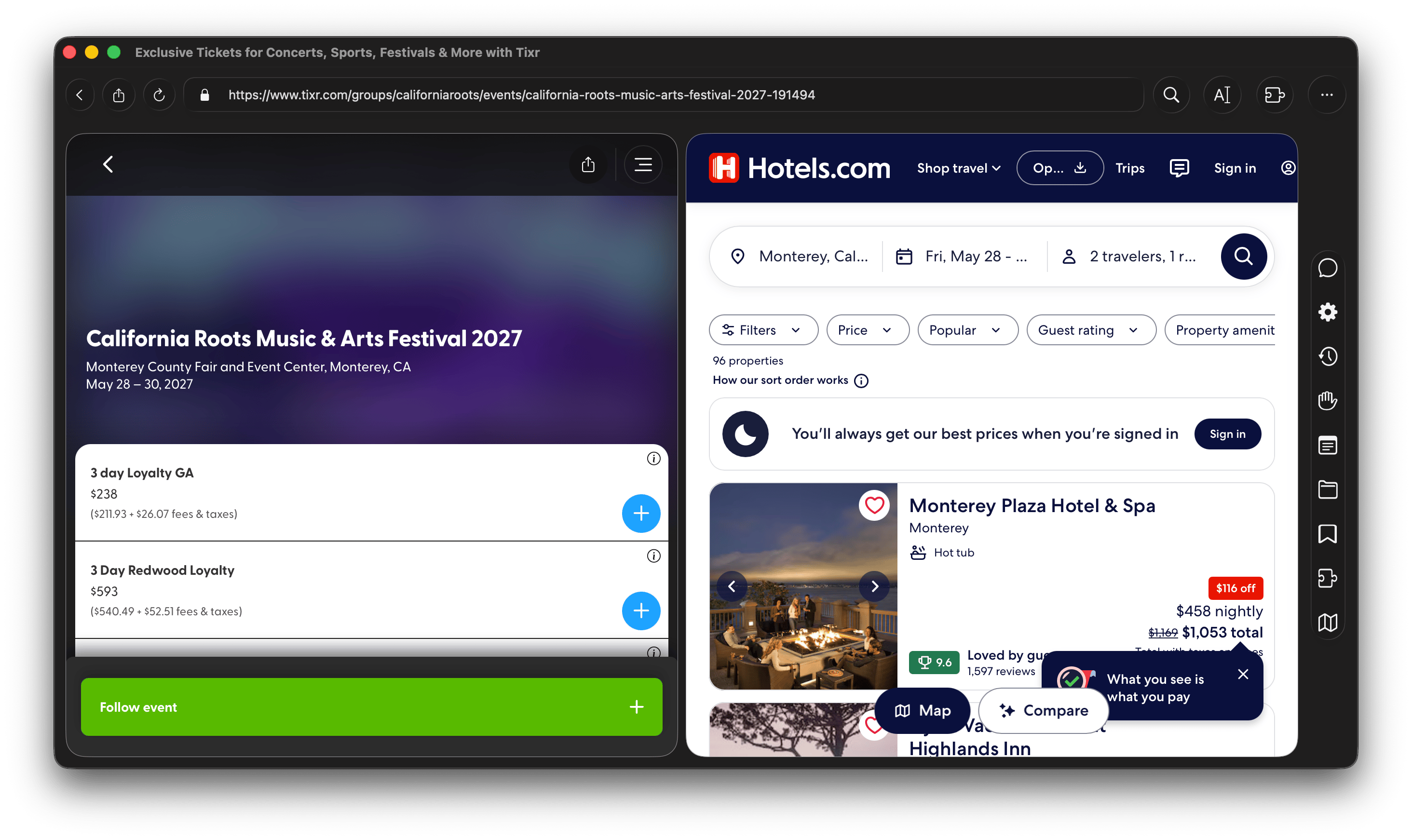
Split View

Two sites, one window. Compare pages side by side seamlessly.
Split View

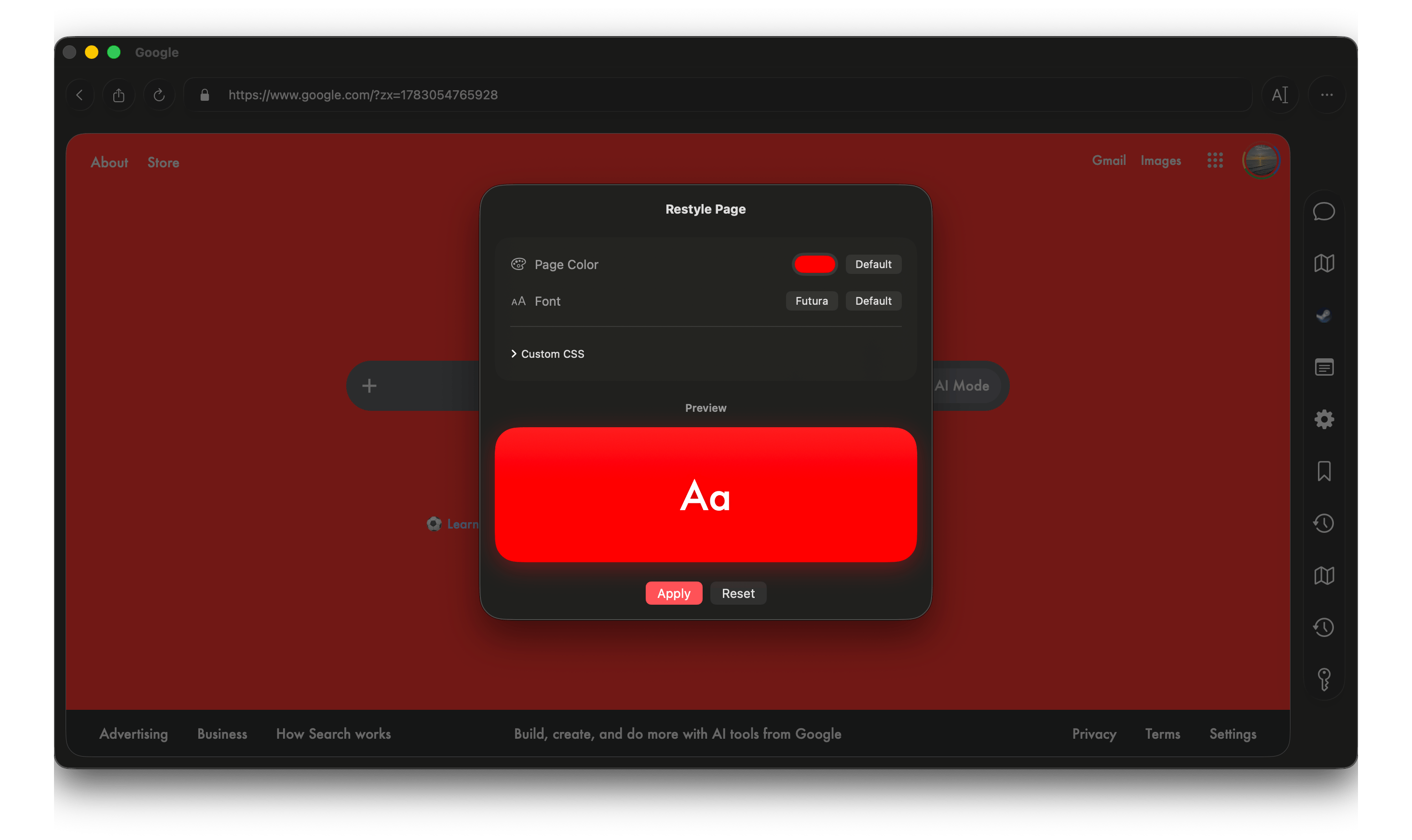
Restyle Pages

Apply custom CSS to any page. Make the web look how you want.
Restyle

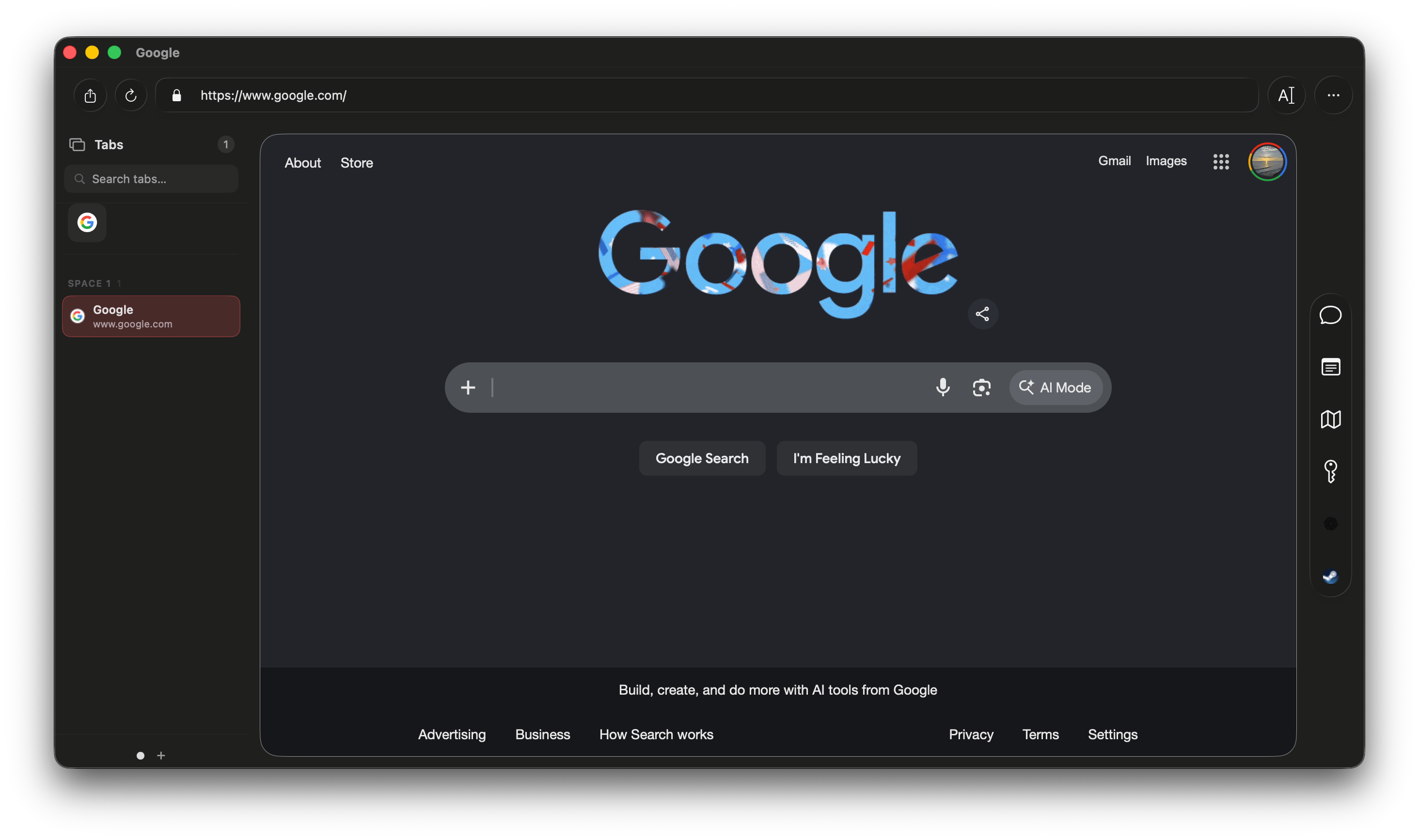
Vertical Tabs

Keep your workspace organized.
Vertical Tabs
On-Device AI

Intelligence built in.
Privacy guaranteed.

Every AI feature uses Apple's on-device Foundation Models. Nothing you type leaves your Mac.

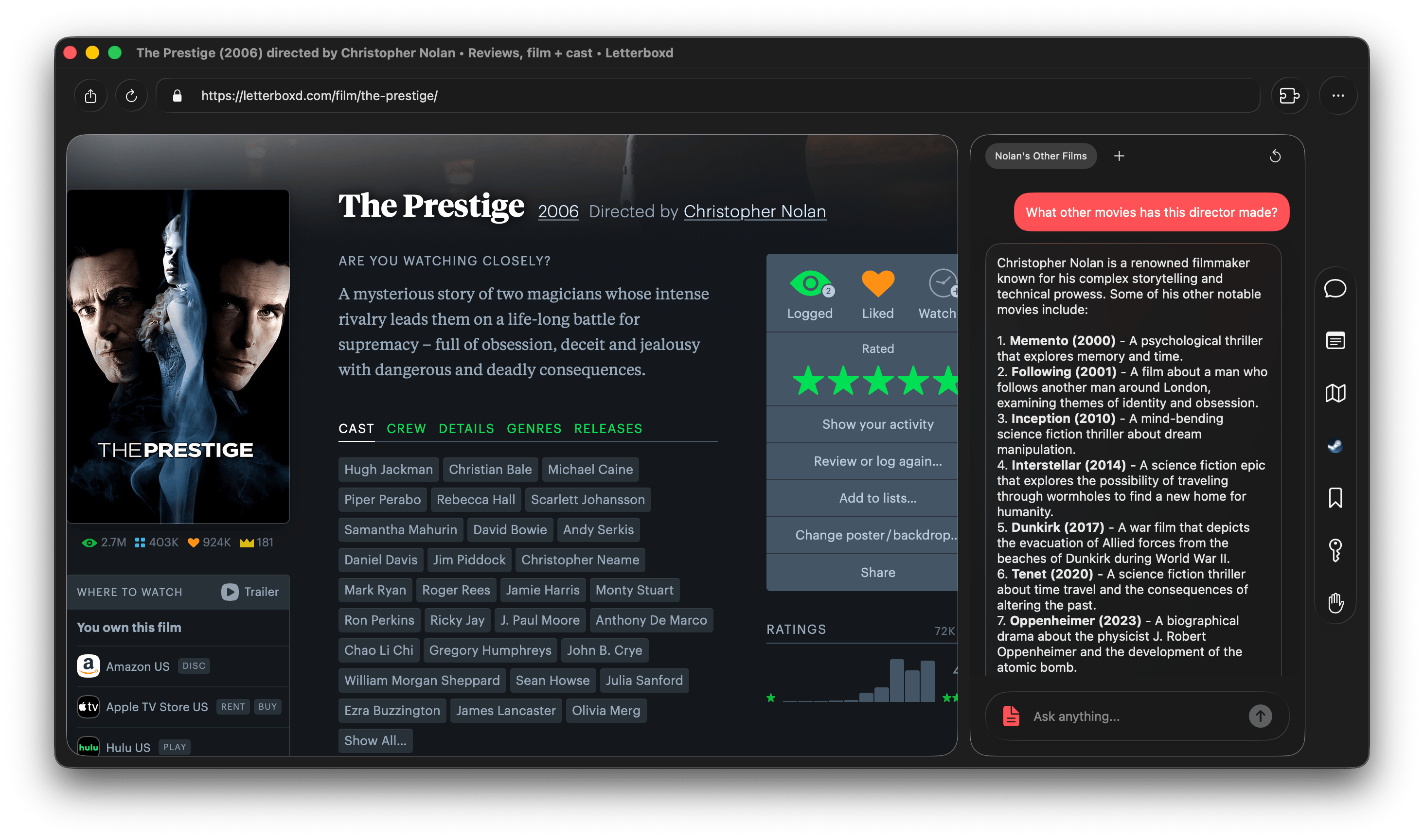
Local AI Chat

Ask questions, get help writing, or work through a problem with an assistant that runs completely offline.

AI Chat

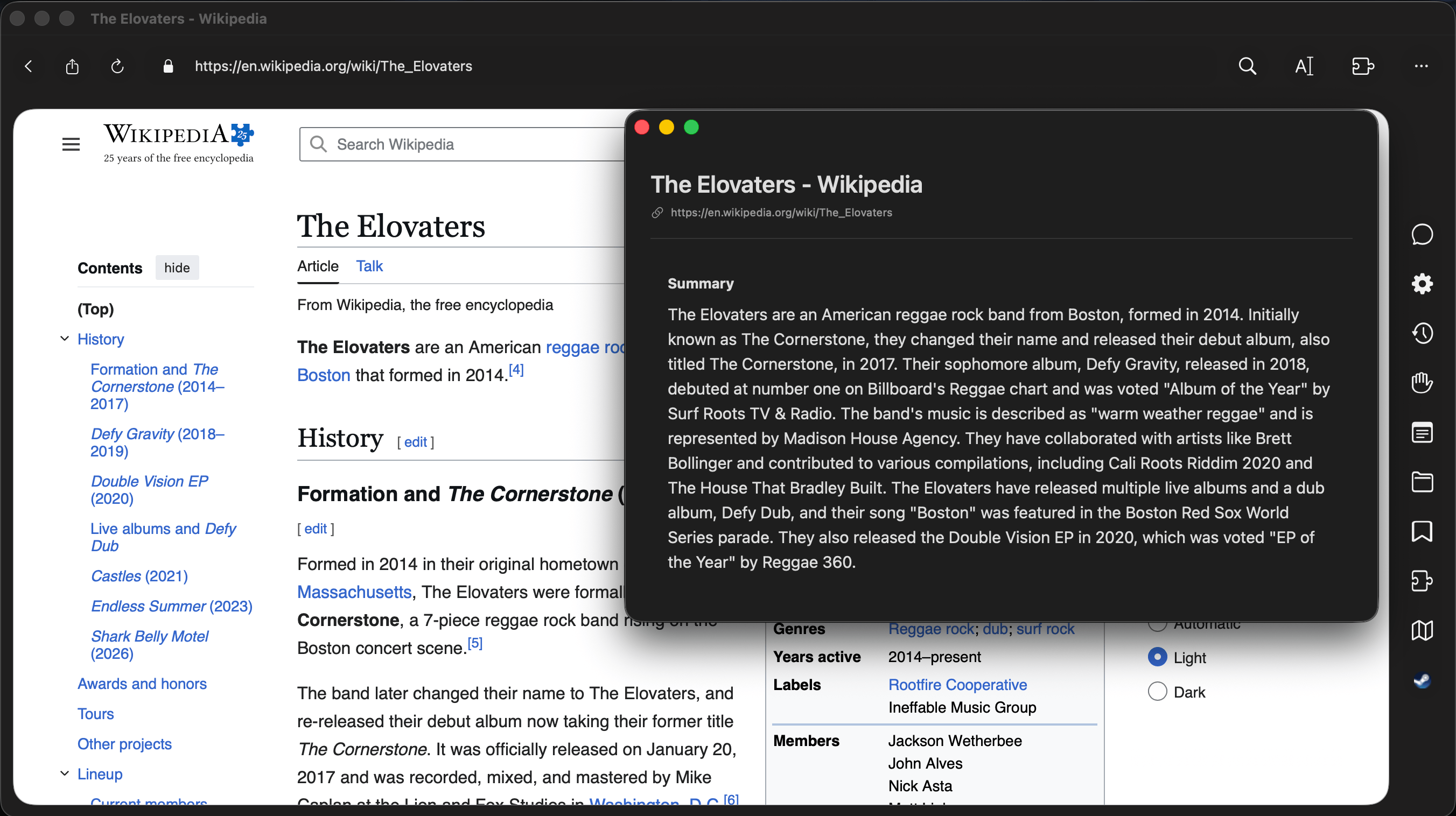
Page Summarization

Get the gist of a long article in seconds before deciding to read.

Summarization

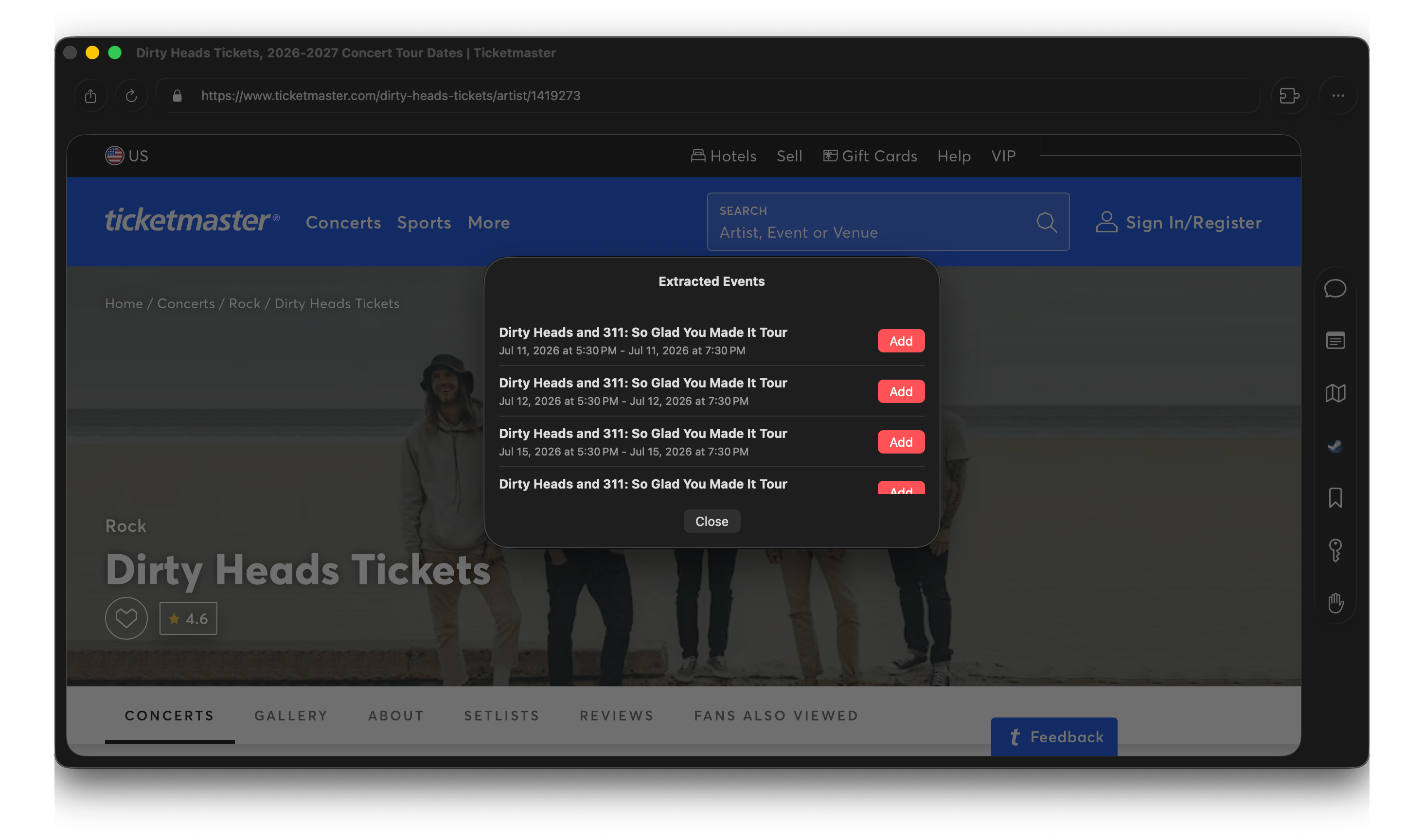
Events

Automatically add dates to Calendar.

Events

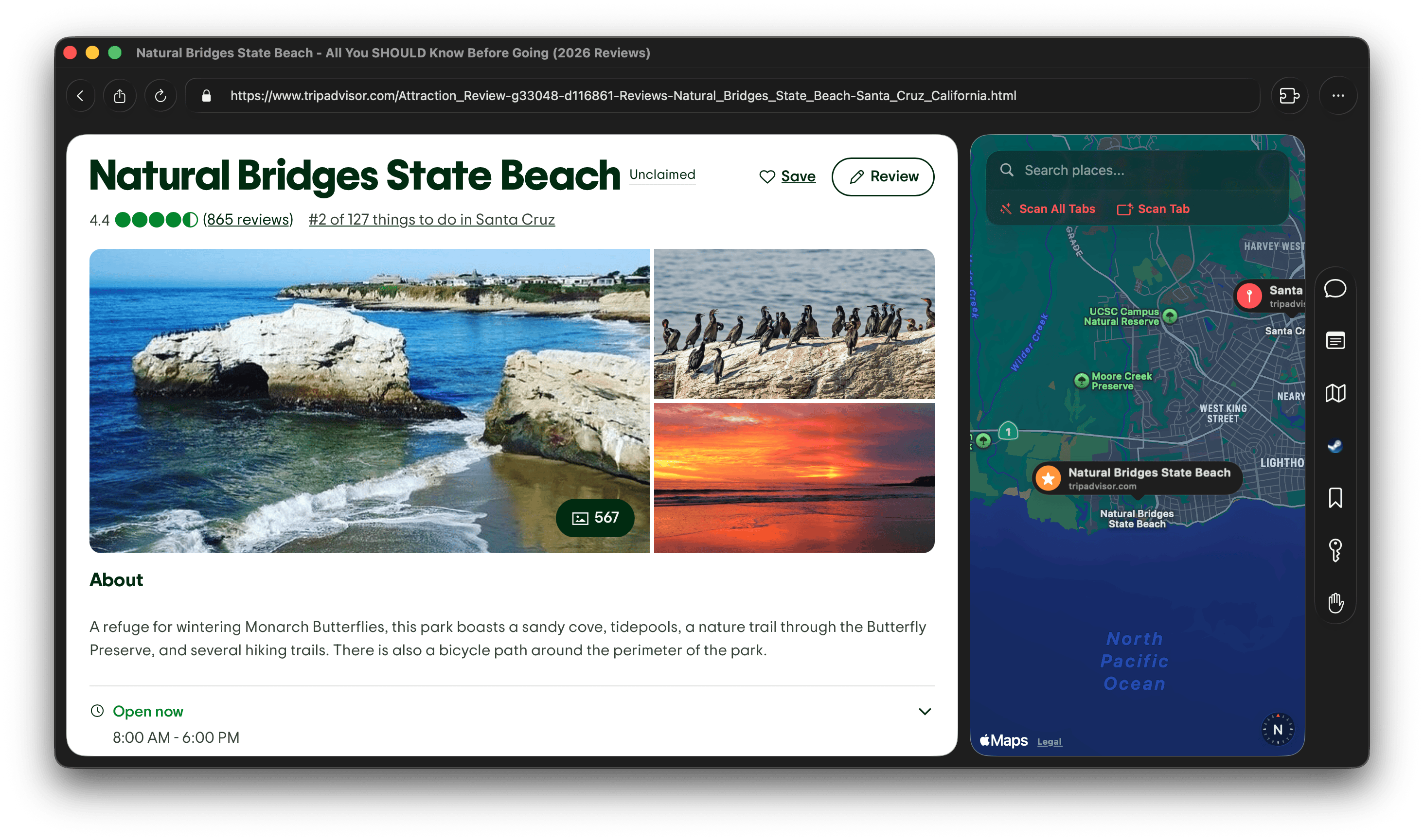
Locations

Extract and pin mentioned places.

Map
Browsing

The everyday stuff, done properly.

Reader mode, native PDFs, and support for the extensions you already rely on.

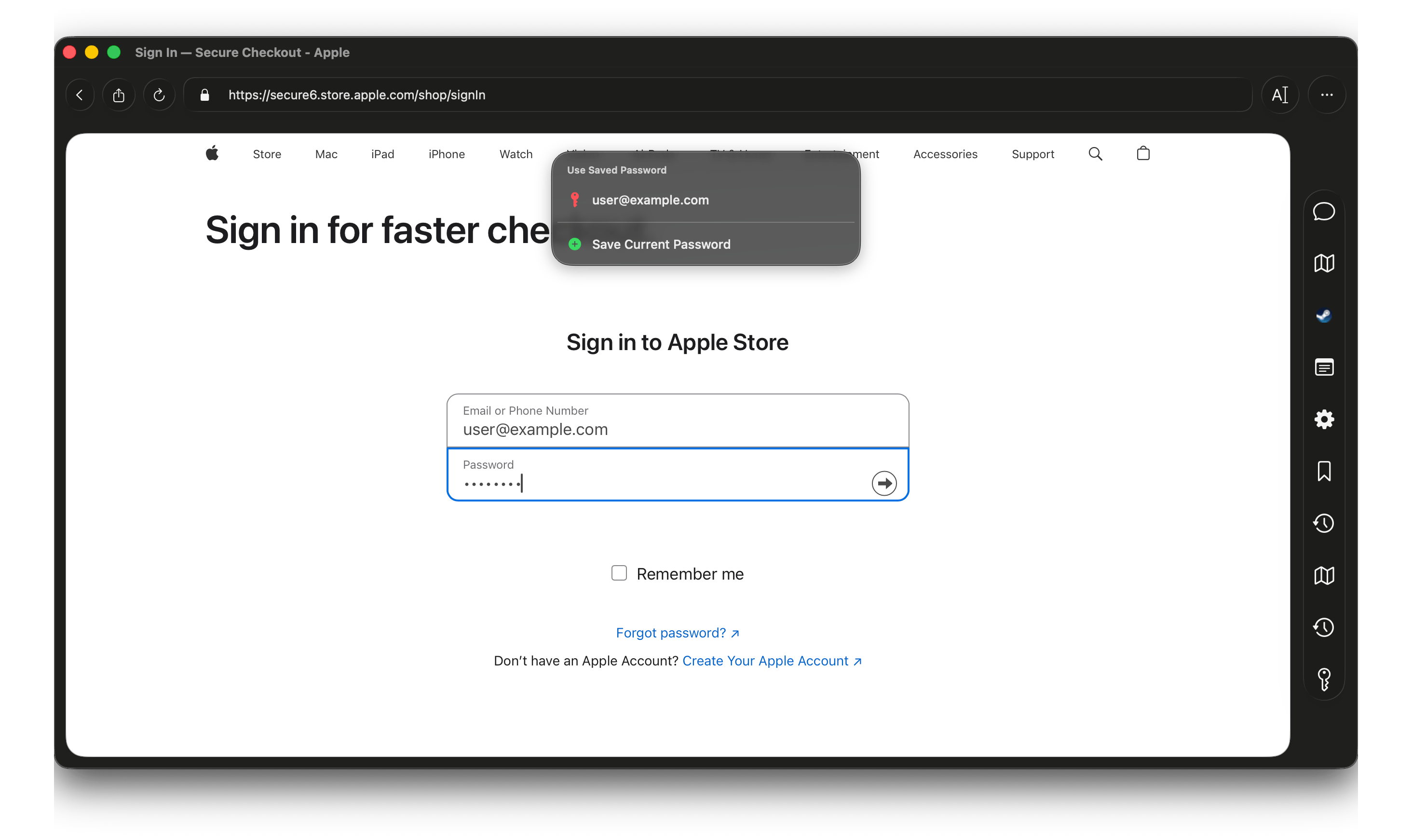
Password Manager

Balance stores your passwords securely and autofills them on sites.

Passwords

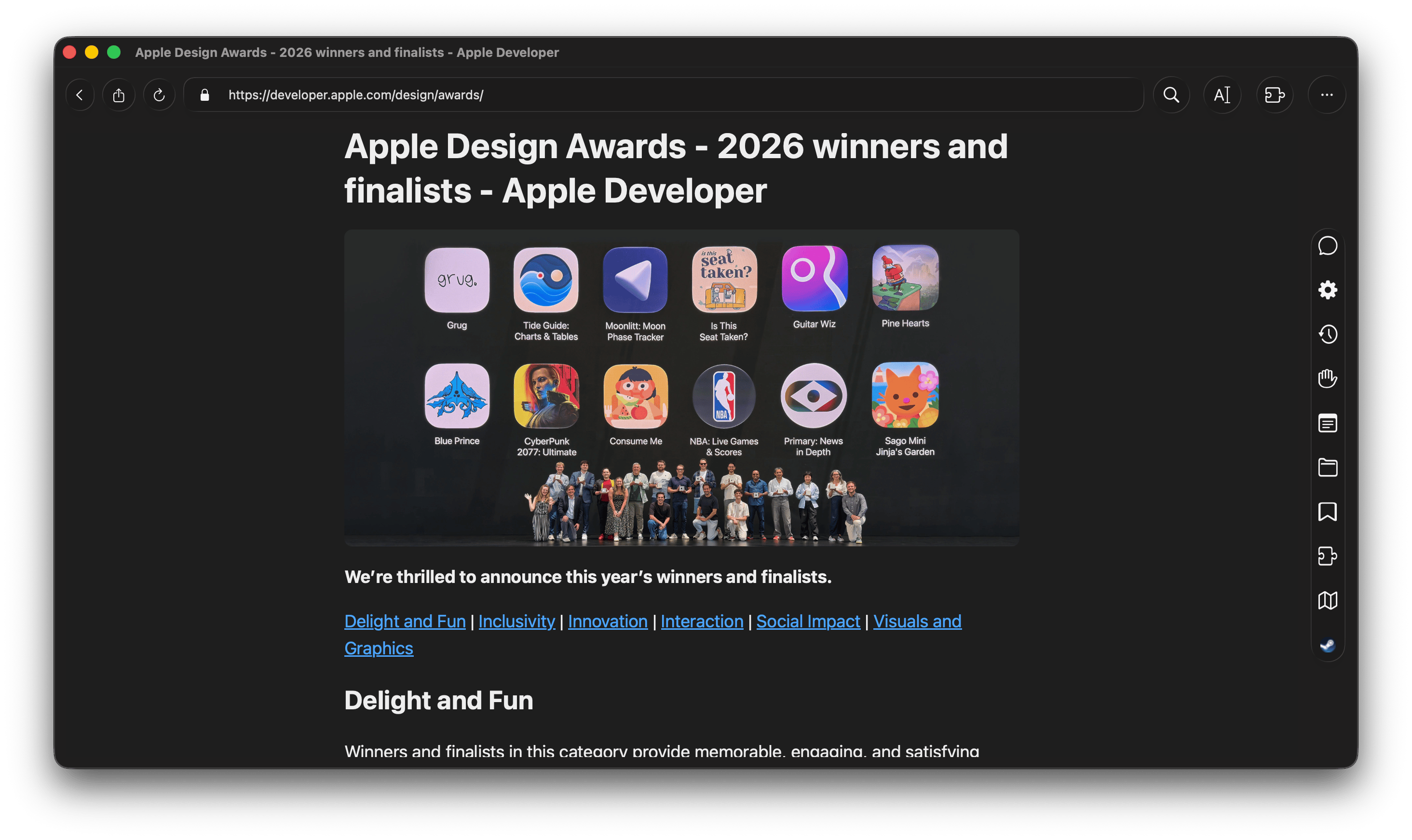
Reader Mode

Articles, minus the clutter.

Reader Mode

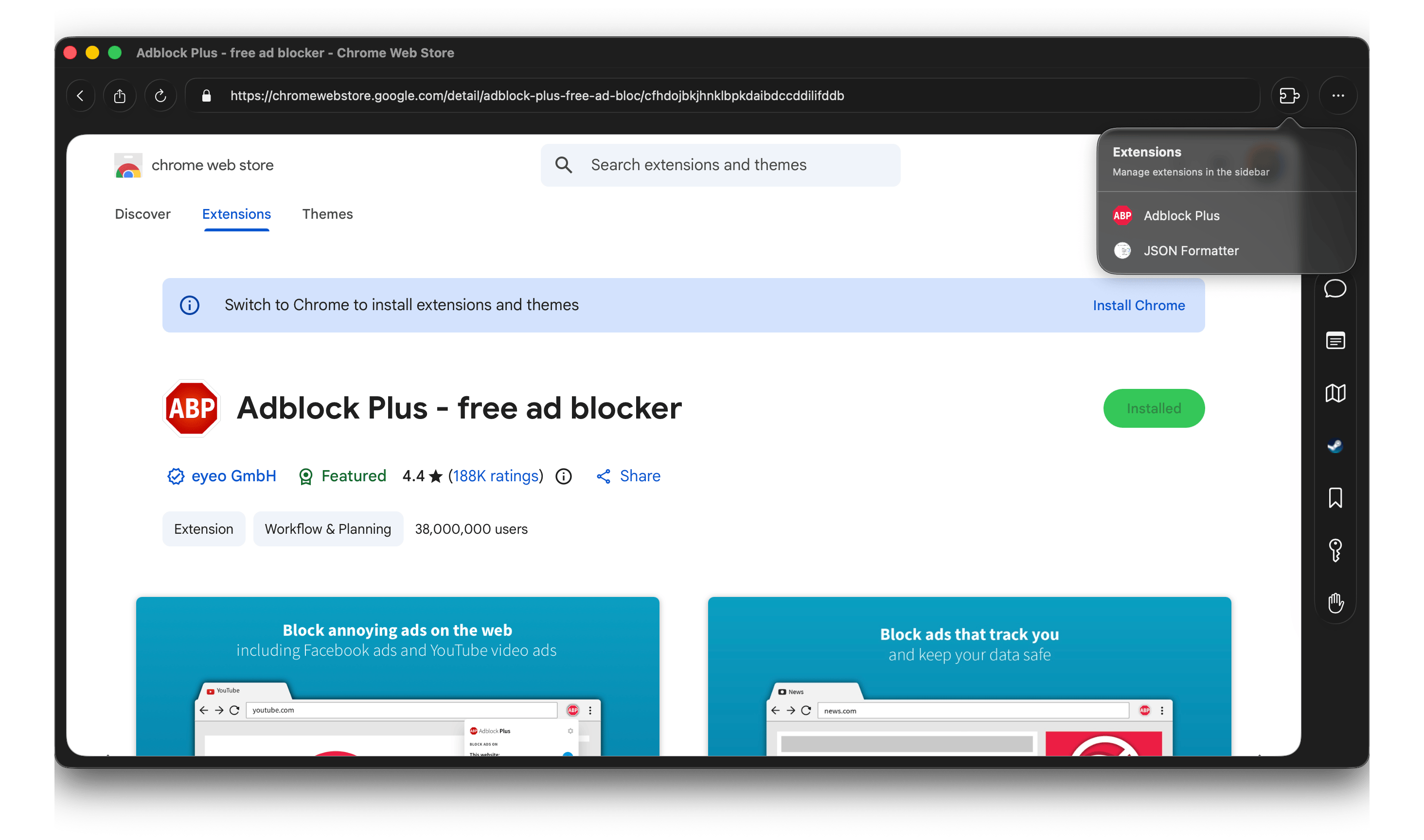
Extensions

Bring your Chrome extensions.

Extensions
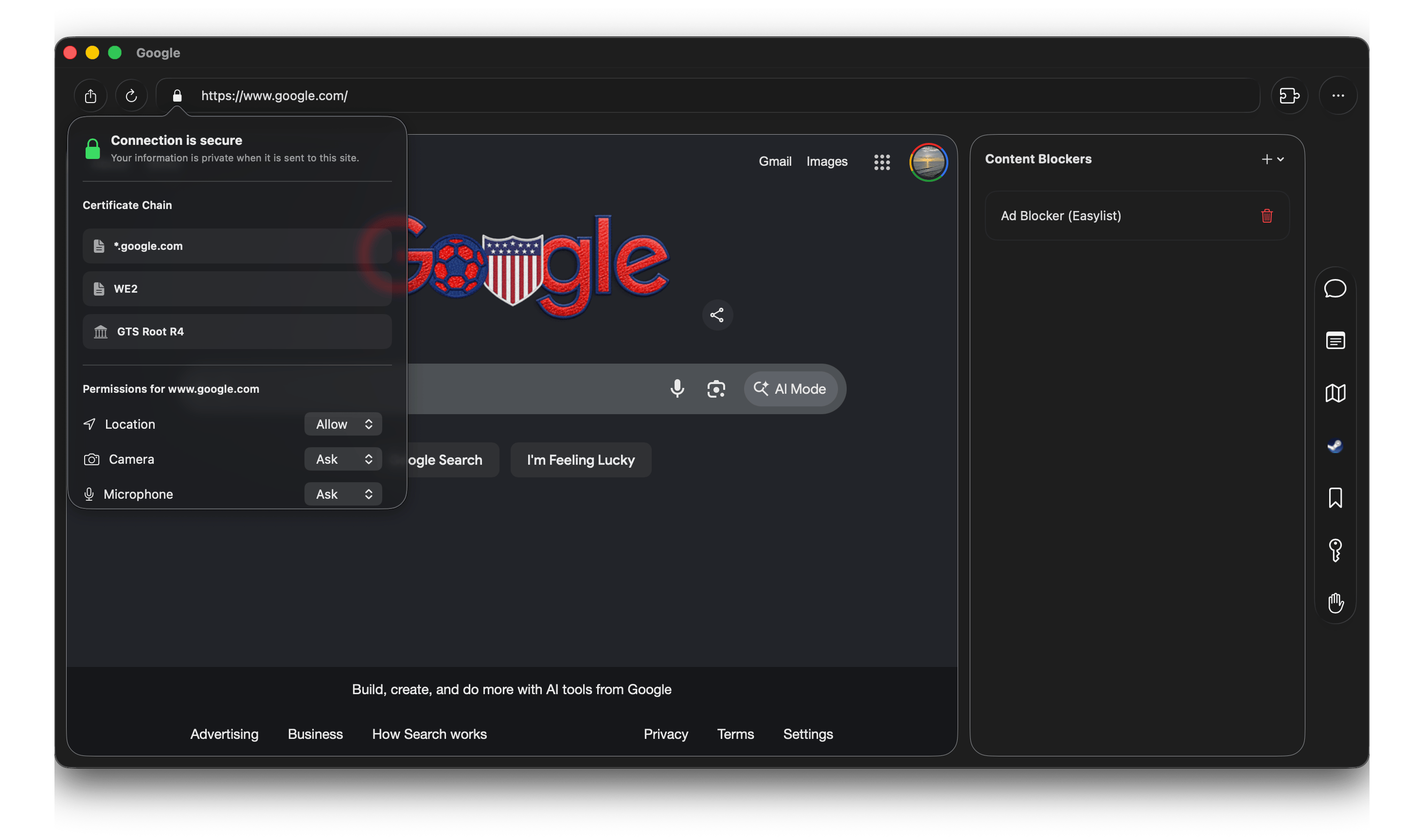
Privacy & Security

Your data, your rules.

🛡️
Content Blocking
Block trackers natively
🔐
Permissions
Full control over access
Server Trust
Visual certificate checks
💻
Open Source
Verify the code yourself
🕓
Private History
Stored locally or disabled
Server Trust
Design

Native to the core.

Design

Handoff

Pick up where you left off on your iPhone or iPad.

Calendar

See events without leaving the browser.

Native Menus

Uses native macOS menus, so features like 2FA codes, TTS, Translation, or Spellcheck all work like you'd expect.

Keyboard Shortcuts

Palette
K
Go Back
Find
F
Reload
R
Summarize
/
Reader
R
Copy URL
C
Download
S

Ready to browse with balance?

Download on the App Store

Requires macOS 26 (Tahoe)